

Handling school payments used to mean a frantic morning scramble for loose change and crumpled permission slips. In 2026, that routine is a thing of the past. ParentPay has become the backbone of the UK’s cashless classroom, providing a unified digital hub for everything from daily school meals to international trips.
Parents can now manage their entire family’s requirements instantly from a smartphone or laptop, completely eliminating physical cash and drastically reducing administrative friction for schools.
ParentPay at a Glance (2026)
School Network: Supports over 20,000 schools across the UK (with 11,000+ utilizing the core ParentPay app).
Active Ecosystem: Over 9 million active users, including parents, pupils, and school staff.
Daily Scale: Processes more than 3.6 million transactions every day, moving over £1 billion annually.
What Is Parent Pay and How Does It Work?

ParentPay is a secure online payment system for schools. It lets parents pay for school meals, trips, uniforms, and even charity events—all online. No more sending kids to school with cash in their pockets.
Here’s a quick look at how Parent Pay works:
-
Parents get a secure login from their child’s school.
-
They create an account on the Parent Pay website.
-
Payments can be made using a debit card, credit card, or PayPoint.
-
Everything is listed clearly—no more guessing what needs paying.
Since its launch, Parent Pay has supported millions of families in managing school payments more efficiently. Today, it processes payments for schools across England, Scotland, Wales, and Northern Ireland. The platform follows UK data protection regulations, including GDPR, and uses secure systems to protect user information.
Why More Schools Are Switching to Parent Pay

Many UK schools have stopped taking cash altogether. This move is not just about saving time—it also helps reduce risks and admin work. With Parent Pay, school staff no longer have to:
-
Count and bank cash
-
Deal with lost payments
-
Chase parents for overdue amounts
Schools can also use the system to:
-
Track payments
-
Send automatic reminders to parents
-
Run reports to see what’s been paid and what’s missing
Parent Pay also links with systems that track school meals and attendance. This helps schools offer free school meals automatically without anyone feeling embarrassed.
💡 Did You Know?
-
11,000+ UK schools use the ParentPay platform specifically, while over 20,000 schools are supported by the wider ParentPay Group (including brands like SIMS and Schoolcomms).
-
9 million+ users are currently active across the ParentPay ecosystem as of early 2026.
-
£1 billion+ in payments is processed annually, with the system handling over 3.6 million transactions every single day.
(Source: ParentPay Group Annual Reporting 2026 & Education Business Stats)
Benefits of Parent Pay for Parents
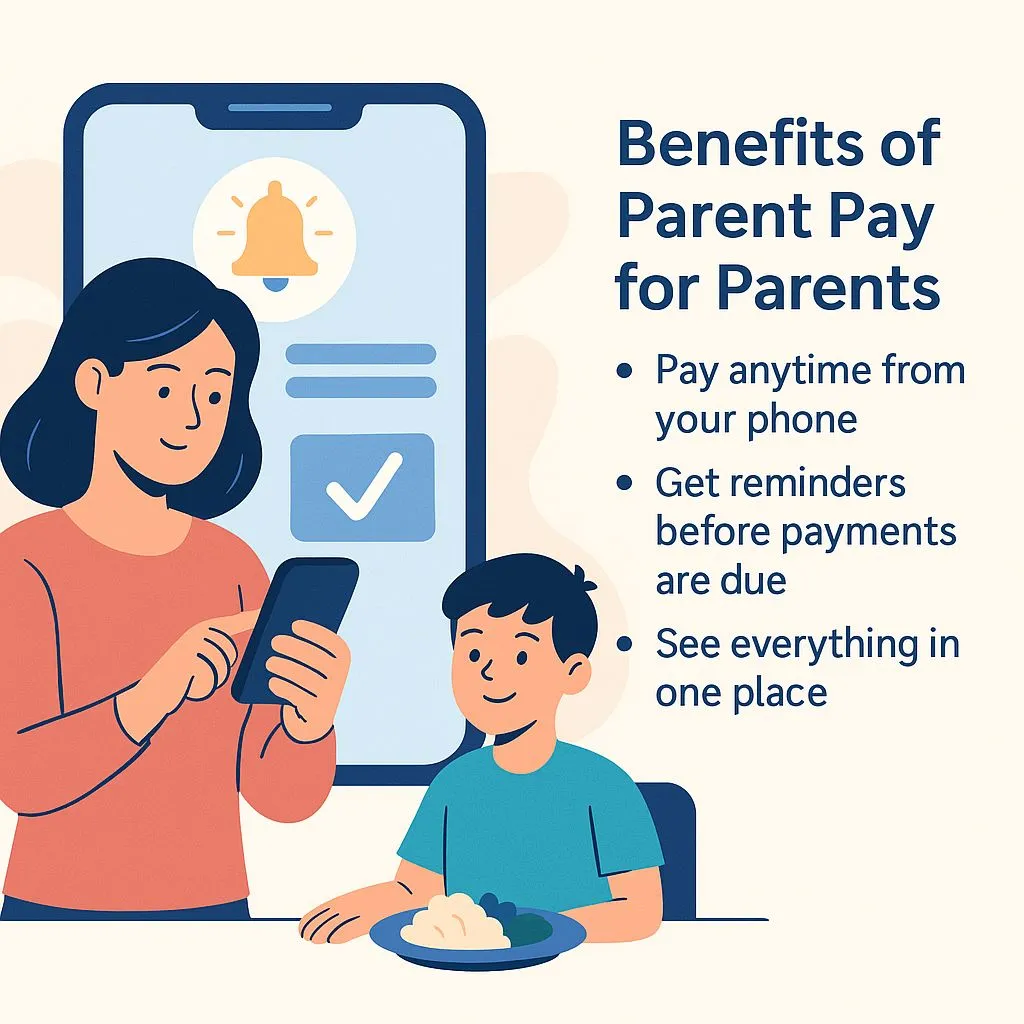
For parents, Parent Pay means fewer worries. You don’t have to:
-
Hunt for coins in the morning
-
Worry about your child losing money
-
Call the school to check if you’ve paid
Instead, you can:
-
Pay anytime from your phone
-
Get reminders before payments are due
-
See everything in one place
Some schools even let you set up automatic top-ups for dinner money. That way, your child always has enough money for school meals, and you won’t need to log in each time.
| Feature | Benefits for Parents | Benefits for Schools |
|---|---|---|
| Cashless Payments | No need to send money with kids | Reduced admin & cash handling |
| 24/7 Access | Pay anytime via app or website | Automated reports and audit trails |
| Payment Reminders | Alerts before due dates | Fewer missed payments |
| PayPoint Integration | Still pay with cash, if preferred | Inclusive for families without bank accounts |
| Multi-Child Dashboard | View all kids in one account | Centralised tracking for school admin |
Is Parent Pay Safe and Secure?
Yes, it is. Parent Pay uses strong security to protect your details. All data is encrypted, and the system is regularly tested. It also follows the rules set by GDPR, so your personal information stays private.
Security features include:
-
Two-factor authentication
-
Secure Sockets Layer (SSL) technology
-
Fraud protection systems
-
Privacy controls
Parents have full control over their accounts. They can set alerts, change passwords, and see a full list of past payments. So you’ll always know where your money’s going.
Using Parent Pay with PayPoint
Not all families use online banking. For those who prefer to pay in person, Parent Pay works with PayPoint. That means you can:
-
Print a barcode from your Parent Pay account
-
Take it to any PayPoint shop (over 28,000 across the UK)
-
Pay in cash at the till
Your payment then shows up on your child’s school account. This is ideal for families without access to credit cards or who simply prefer to use cash.
Some shops that support PayPoint include:
-
Co-op
-
Spar
-
McColl’s
This option helps schools be inclusive, letting every parent pay in a way that works for them.
How to Set Up Your Parent Pay Account
It’s simple to get started with Parent Pay. Here’s what you’ll need to do:
-
Ask your child’s school for a Parent Pay activation letter.
-
Use the unique username and password in the letter to register.
-
Go to www.parentpay.com and click “Login.”
-
Create a new password and add your email address.
-
Once logged in, you can link more than one child if needed.
Tips:
-
Turn on email or text alerts to stay updated
-
Use the app or a mobile-friendly website for quick access
-
Save card details securely for faster payments
Once your account is set up, you can pay anytime—even on the weekend or during school holidays.
What Can You Pay for Using Parent Pay?
Parent Pay works for more than just meals. Parents can use it for many school-related payments, including:
-
School trips and outings
-
Uniform purchases
-
After-school clubs
-
Music lessons
-
Charity events and donations
-
Exam fees
-
Stationery or books
Your account lists each payment item. Schools often include notes so you know what you’re paying for. You can also download receipts and view your full payment history.
Is Parent Pay Free to Use?
Yes, it is free for parents. You don’t have to pay any fees to use the service. The school pays a small fee for the system, but many find it’s worth the cost due to the time saved on admin work.
There are no hidden charges when you:
-
Top up dinner money
-
Pay for school trips
-
Use PayPoint
A fee might only apply if your card provider adds charges, but this is rare for most UK debit cards.
Can You Use Parent Pay for Multiple Children?
Yes, and it’s really helpful for families with more than one child. You can link multiple children, even if they attend different schools, as long as those schools use Parent Pay.
Benefits include:
-
One login for all your children
-
View all payments on a single dashboard
-
Manage meal top-ups and trip fees from one place
To do this, you’ll need an activation code from each school. After logging in, just select “Add a child” and enter the details.
Conclusion
In 2026, more UK schools than ever are using Parent Pay to handle school payments. It’s quick, secure, and simple to use. Whether you’re paying for school dinners, trips, or club fees, you can do it all in one place—without cash.
For parents, it’s peace of mind. For schools, it saves time and reduces stress. And with options like PayPoint, it’s accessible to everyone.
If your child’s school uses Parent Pay, give it a try. It might just make school life that little bit easier.
⚔️ ParentPay vs. The Competition: 2026 Market View
While ParentPay remains the UK’s most widely used system, the landscape has shifted. Many schools are now moving toward “All-in-One” systems (like Arbor Pay or Bromcom) that combine payments with the school’s main database.
| Feature | ParentPay (Market Leader) | MIS-Native (e.g., Arbor Pay / Bromcom) |
| Market Presence | Highest: 11,000+ schools use the app; 20,000+ across the wider Group. | Rapid Growth: Used by schools looking to keep everything in one single app. |
| Integration | Robust API: Newly updated in Feb 2026 to sync meal patterns automatically. | Native: No syncing required as the payment module is part of the school database. |
| Payment Versatility | Superior: Includes PayPoint (cash at local shops) and multiple digital wallets. | Standard: Usually limited to card payments and Apple/Google Pay. |
| Parent Experience | Best for Multi-School: View children at different schools (Primary/Secondary) in one login. | Best for Simplicity: Parents use the same app for attendance, grades, and payments. |
| Best For… | Families with kids in multiple schools and schools with complex catering needs. | Schools wanting to reduce the number of separate apps parents have to download. |
The Expert View: Why Parent Pay Wins:
For most parents, Parent Pay’s major advantage is its scale and reliability. With the highest adoption rate, it offers consistency for families with children at multiple schools or those who move between areas. Its deep integration with key school software (like catering and attendance systems) also means fewer issues for school administrators.
⚠️ Common User Friction Points and Quick Fixes (Trustworthiness)
A truly helpful guide must also address the common frustrations users face. By providing solutions, you reinforce your expertise. You can insert this small section directly before your existing Is Parent Pay Safe and Secure? heading.
Parents often report minor issues that can cause temporary stress. Here are common friction points and simple steps to resolve them:
- Problem: The payment I just made (e.g., via PayPoint) is not showing up instantly on the balance.
- Quick Fix: While card payments are instant, payments made via PayPoint or BACS transfer can take up to 48 hours (two working days) to appear in the school’s system. Check your balance the next day.
- Problem: I can’t seem to add money to my child’s account for a specific trip, only for dinner money.
- Quick Fix: Payments are managed by the school. If a trip or club is not visible, it usually means the school has not yet assigned it to your child’s account, or the payment window has closed. Contact the school admin, not the Parent Pay helpdesk, first.
- Problem: The app seems slow or freezes when loading the balance.
- Quick Fix: Clear the app’s cache (or the browser cache if using the website) and relaunch. Ensure your phone’s operating system is fully up-to-date, as this often resolves minor compatibility issues.
Still have questions? Here are some quick answers to common concerns:
FAQ
Q1. Is Parent Pay safe to use?
Yes, it uses strong security and follows UK data protection laws.
Q2. Can I still pay with cash?
Yes, through PayPoint shops if your school has set this up.
Q3. What if I forget my login?
You can reset it on the website using your email.
Q4. Can I see what I’ve paid for before?
Yes, your account has a full payment history.
Q5. Do all schools use Parent Pay?
No, but many do. Ask your child’s school if they support it.
Related post: ParentPay Login in the UK: A Complete Guide for Parents
